Windows 7 New Desktop Features


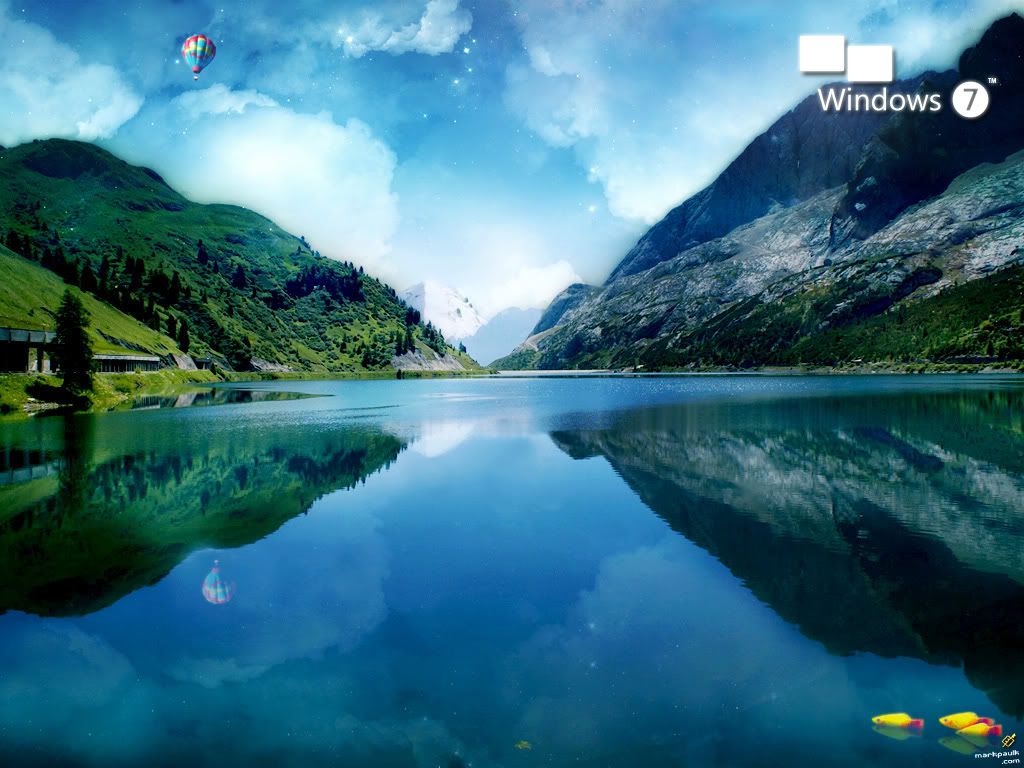
windows 7 desktop The first thing you'll notice when you see Windows 7 for the first time is the desktop.
The beta version is really quite sticking. It features a Siamese fighting fish, also known as a betta fish. Pun intended; yes Microsoft made a joke.
With luck, the betta fish will still be available in the final release of Windows 7.
Microsoft has done a beautiful job with the graphics.
There is a wide range of wall paper to choose from, all of it classier than the wallpaper included in previous Microsoft operating systems.
There is more to the new Windows 7 desktop than just new graphics.
The wallpaper can be a slide show. The background can change automatically, on a periodic basis. You can set the wallpaper to cycle through a collection of photos, with the wallpaper changing anywhere from every 10 seconds to once per day, with many choices in between.
A related feature is even more novel, providing endless opportunities for entertainment and practical use.
The wallpaper can be supplied on a continuous basis from an RSS feed. At present, this is more or less a hidden feature. The beta version at least does not make this possible directly from the control panel.


Instead, you must edit the .theme file in a text editor. This is well within the grasp of intermediate users. No doubt a whole new class of downloadable themes will take advantage of this feature in new and interesting ways.
Windows 7 Screen Savers
Windows 7 has a limited number of screen savers.
You may be out of luck if your computer has an older graphics card that does not support the Direct3D 9 protocol. Most of the screen savers, even ancient ones like Mystify, use Direct3D, and require a compatible graphics card to operate.
I was disappointed that screen savers do not have a compatibility mode with older hardware.
Windows 7 Gadgets
Gadgets have survived the transition to Windows 7. The desktop no longer had a sidebar however. Gadgets simply float on the desk top.
You can drag gadgets around to appear anywhere on the desktop.